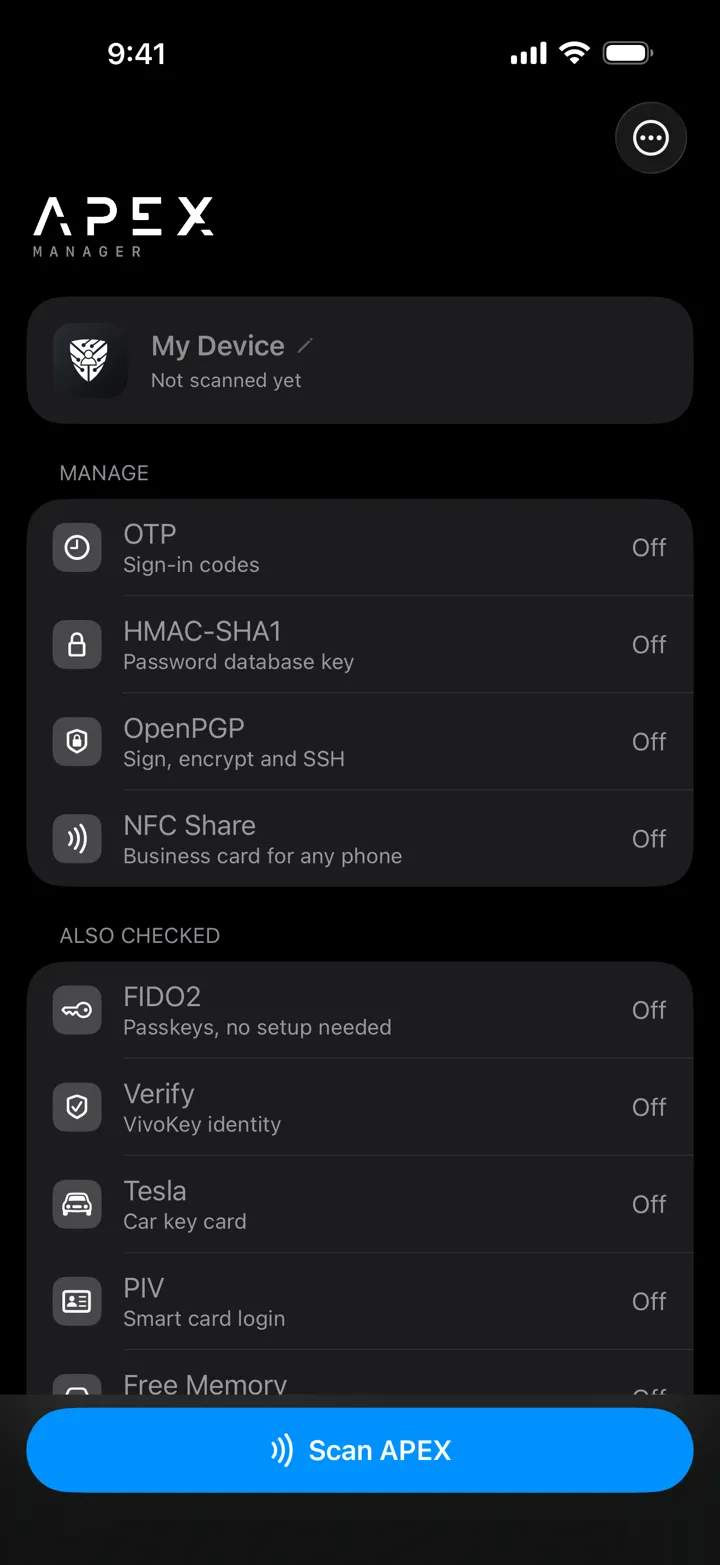
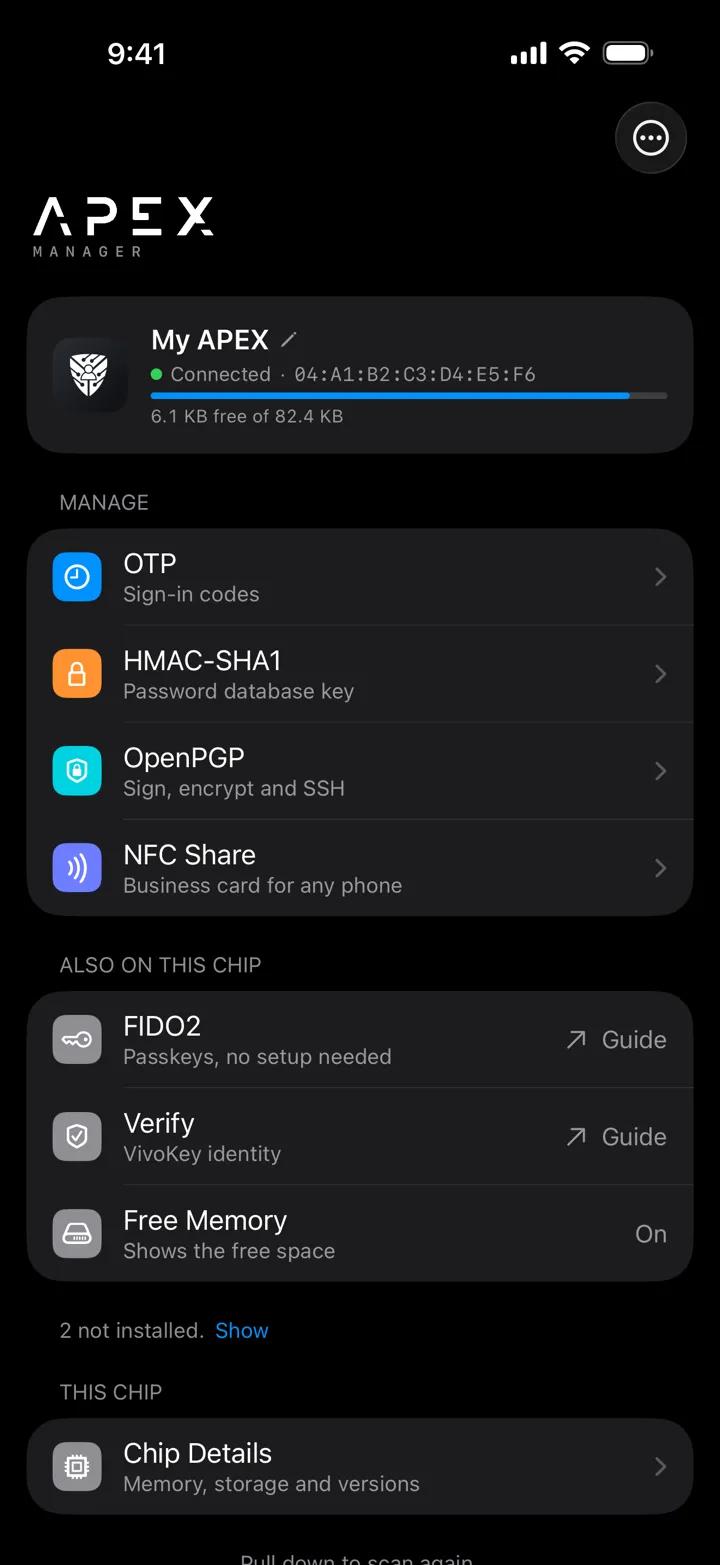
Apex Manager lets you view and manage the applets installed on your VivoKey Apex, directly from your phone. It is available in English and Japanese. The iOS app is coming soon to the App Store, and the Android app is available now on Google Play.
Platform: iOS 18 or later / Android · Languages: English, Japanese · For: Apex · Data collected: None
iOS app coming soon · Android available now on Google Play
Apex Manager works with the applets already installed on your Apex. Applets are added through the Fidesmo app. Learn more about the Apex platform.
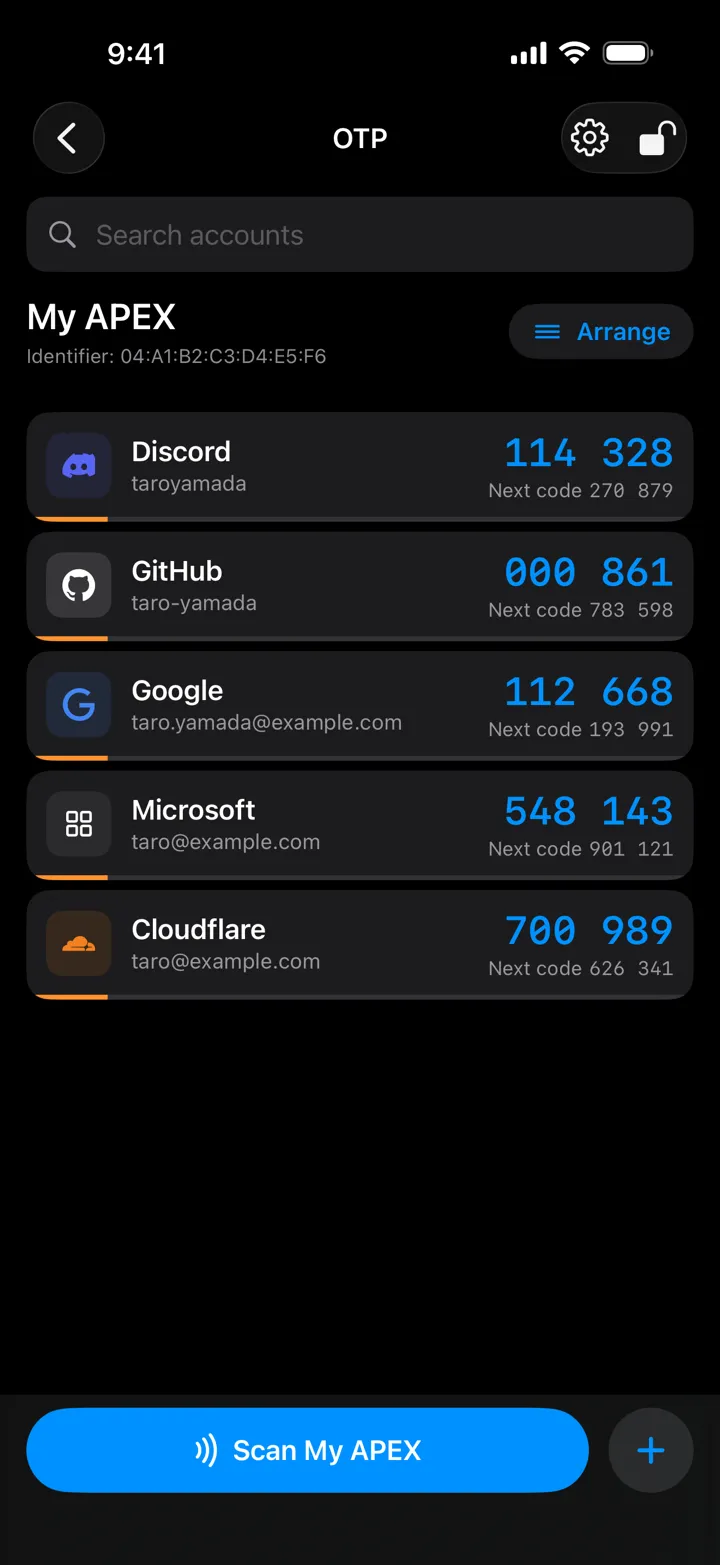
One-time codes
Generate the 6-digit codes used for two-step verification (TOTP), stored securely on your Apex. Each code shows a countdown timer, and you can mark the accounts you use most as favourites.
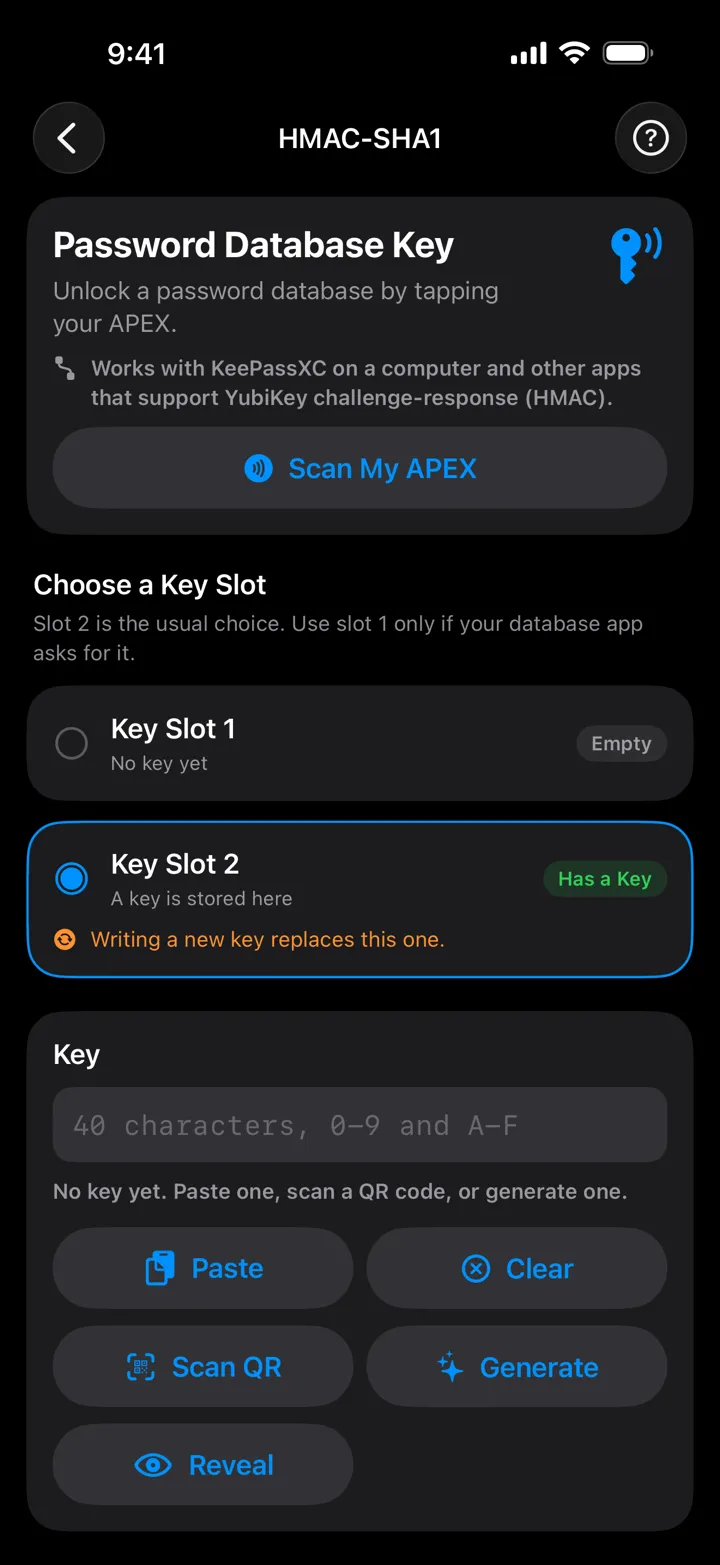
HMAC
Store HMAC secret keys in key slot 1 or 2 for use with tools such as KeePassXC.
NFC business card
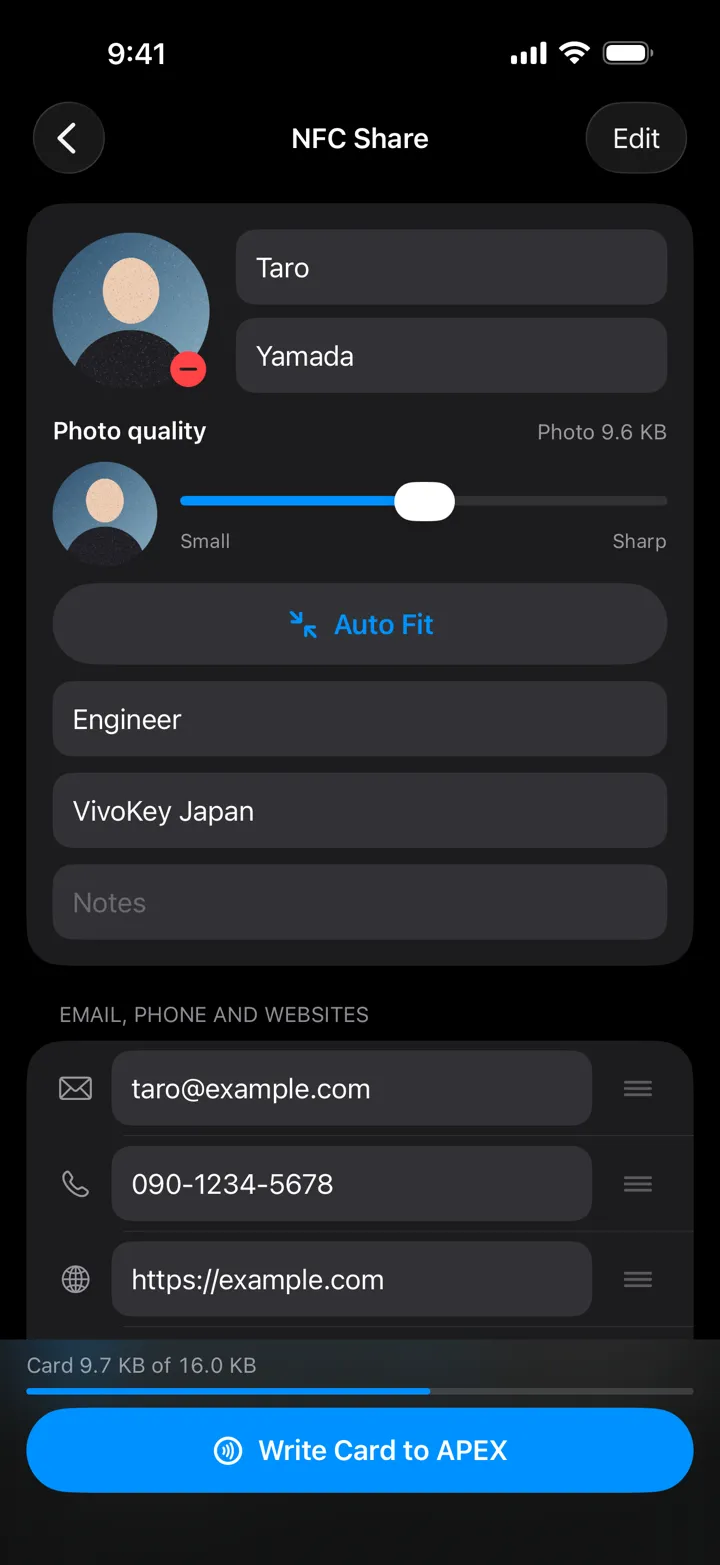
Write your name, title, contact details and photo to your chip, ready to share with a tap.
OpenPGP
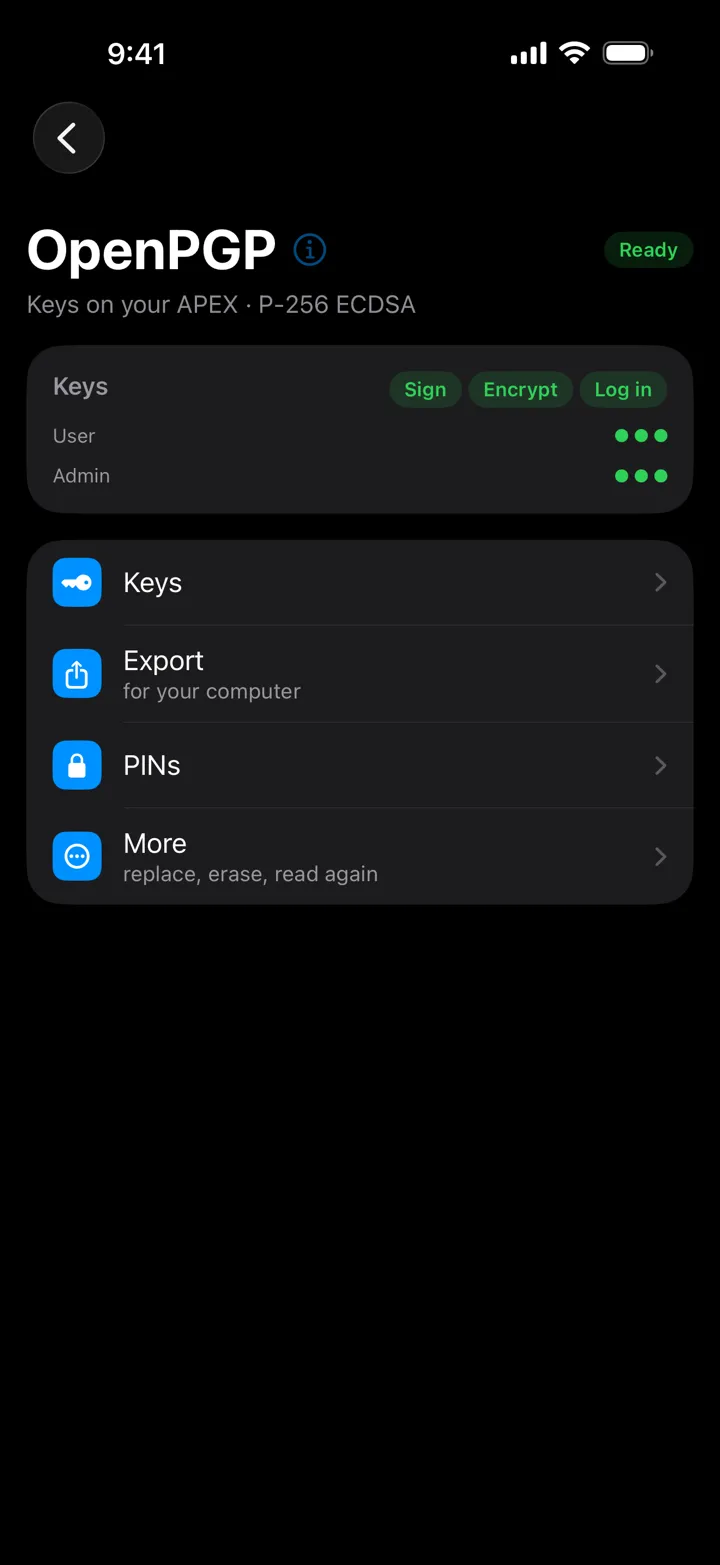
Set up, inspect and manage the PINs for the signing and decryption keys in your Apex’s OpenPGP applet.
My Device
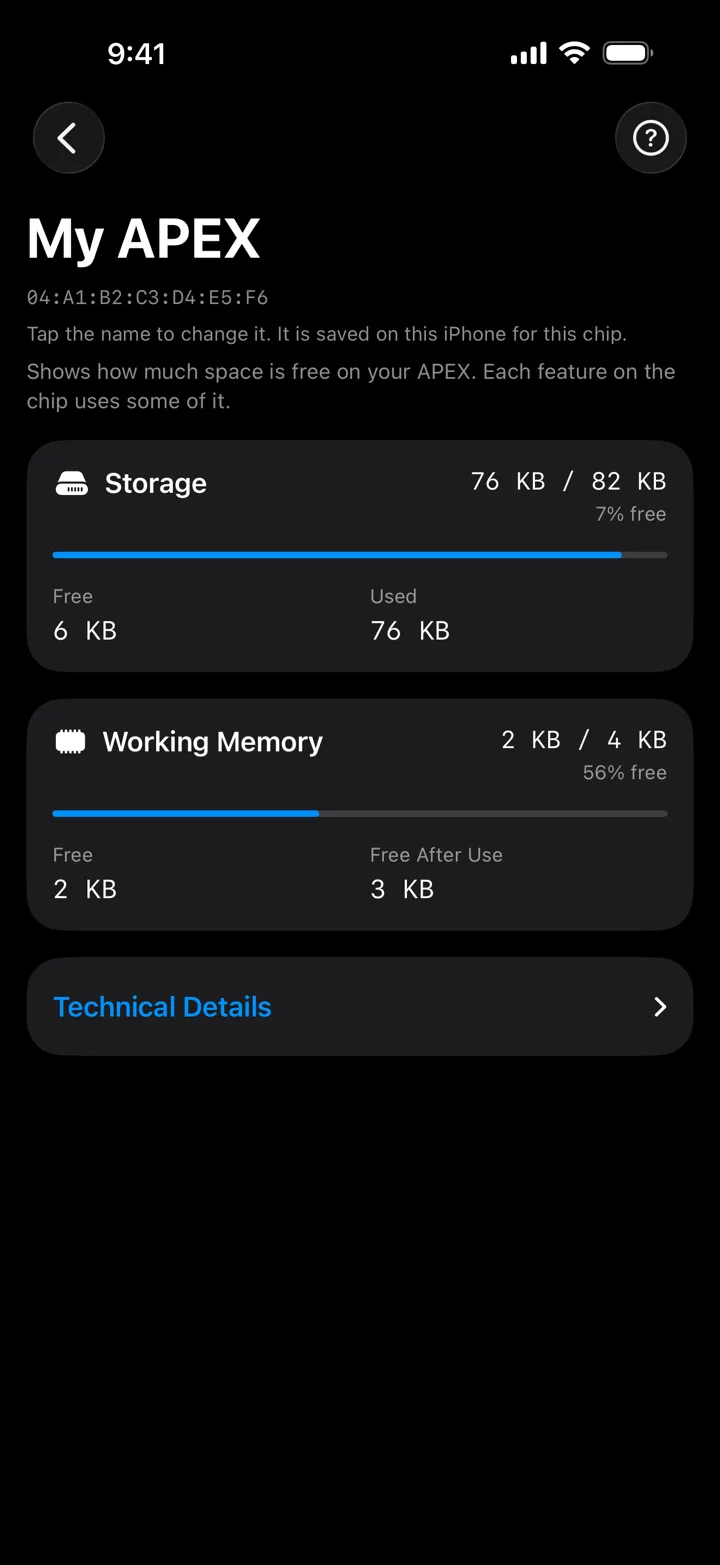
Check storage and memory status, see the versions of your installed applets, and give your chip a custom name.
The app
Screens show sample data.
Privacy
Apex Manager collects no data. Your information stays on your device and your chip.
The business card feature stores its data inside a vivokey.social link, after the “#” — so the details are encoded in the link itself rather than on any server.
The only information we receive is the anonymous download and crash data that Apple shares with every developer. See our privacy policy for details.
Support
Need help with Apex Manager? Get in touch and we’ll be glad to help.